
Clock Screensaver Online
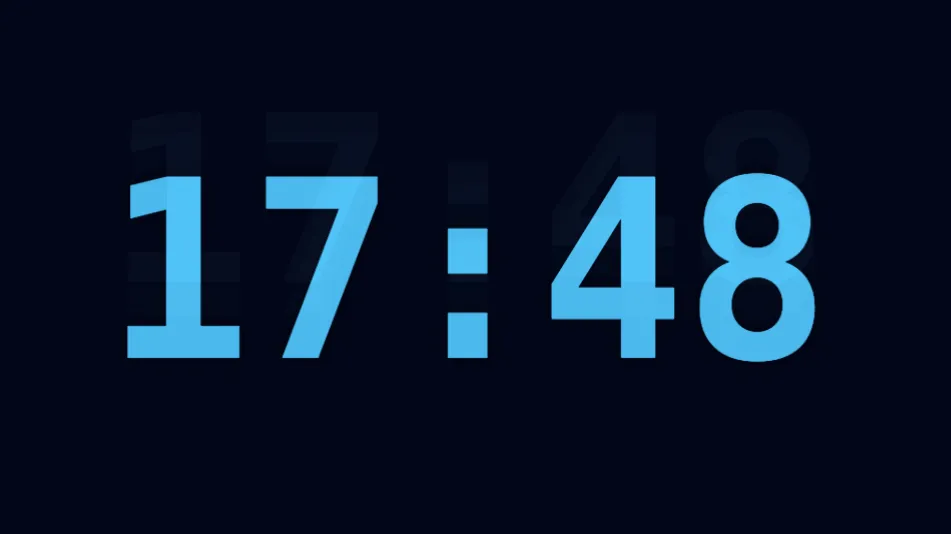
A bouncing digital clock that fills your screen with the live time and date, DVD-logo style, while protecting against screen burn-in. Free, ad-free.
 Essayer gratuitement →
Fonctionnalités
Live time and date
Displays the current time and full date, updating every second.
12 or 24-hour format
Toggle between 12-hour and 24-hour time display.
Optional seconds
Show or hide the seconds for a cleaner or more precise look.
DVD-logo bounce
The clock glides and rebounds off every screen edge, doubling as burn-in protection for OLED and plasma displays.
Four colors
Pick mint, sky blue, orange, or pink for the clock display.
Keeps your screen awake
Uses the Wake Lock API so the display won't sleep while it plays.
Mode d’emploi
Open the page
The clock starts bouncing and showing the live time immediately.
Tap the gear icon
Toggle 24-hour format, seconds, date, and pick a color.
Go fullscreen (optional)
Tap the fullscreen icon for a wall-sized clock display.
Questions fréquentes
Is this clock screensaver free?
Does it show my local time?
Can this help prevent screen burn-in?
Does it work on mobile?
← Retour à l’accueil WebScreen
Privacy PolicyTermsCookiesDisclaimerContactPresseConnaissances sur les économiseurs